01 / Listen & collect
Find your next favorite.
Discover original music. Eligible listening adds SongCash to your wallet, and qualifying plays credit the artists you listen to.
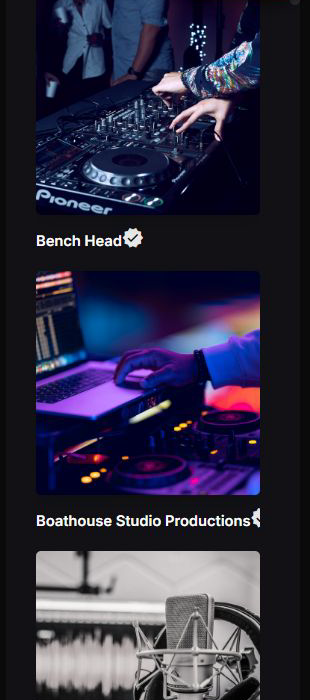
The listening revolution
Your play button is about to get buying power. In the first-ever Music Economy app, you can collect SongCash as you listen, spend it when you shop, and collect more when you sell.
In SongCash to spend. Yours when you create an account at launch.
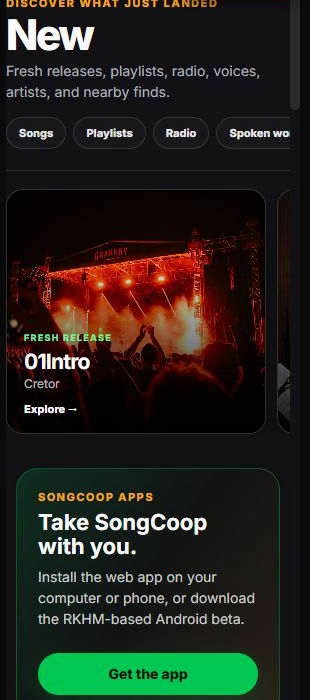
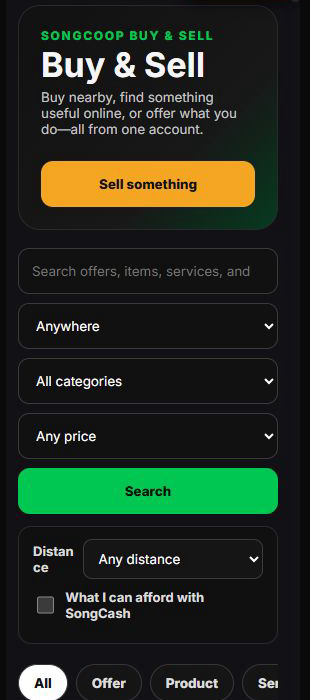
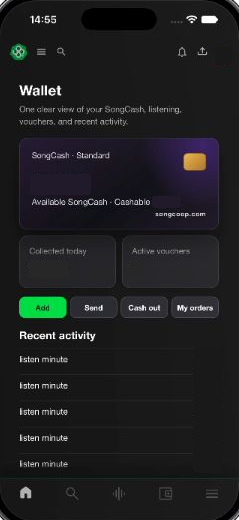
SongCash in use
Find music you love, collect SongCash in your wallet, and put it to work.
See how selling works See 10 use cases01 / Listen & collect
Discover original music. Eligible listening adds SongCash to your wallet, and qualifying plays credit the artists you listen to.
02 / Use your wallet
See what you’ve collected, save it for an offer you want, or send SongCash to another member.
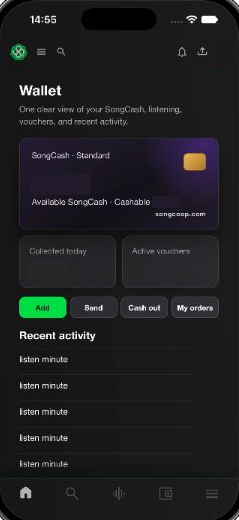
03 / Shop with SongCash
Get a deal on rehearsal time, a music lesson, or help with your website. Use SongCash with participating sellers nearby and online.


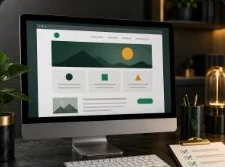
Real listings from the beta marketplace. Launch offers may vary.
SongCash is SongCoop’s private currency. A payment fee can cost more than a play pays, so SongCoop credits artists and listeners directly in their wallets. You can put what you collect toward things like a café voucher or merch through SongCoop.
Cashable SongCash is backed dollar for dollar. Your $5 welcome credit is spend-only SongCash.
Planned SongCash offers
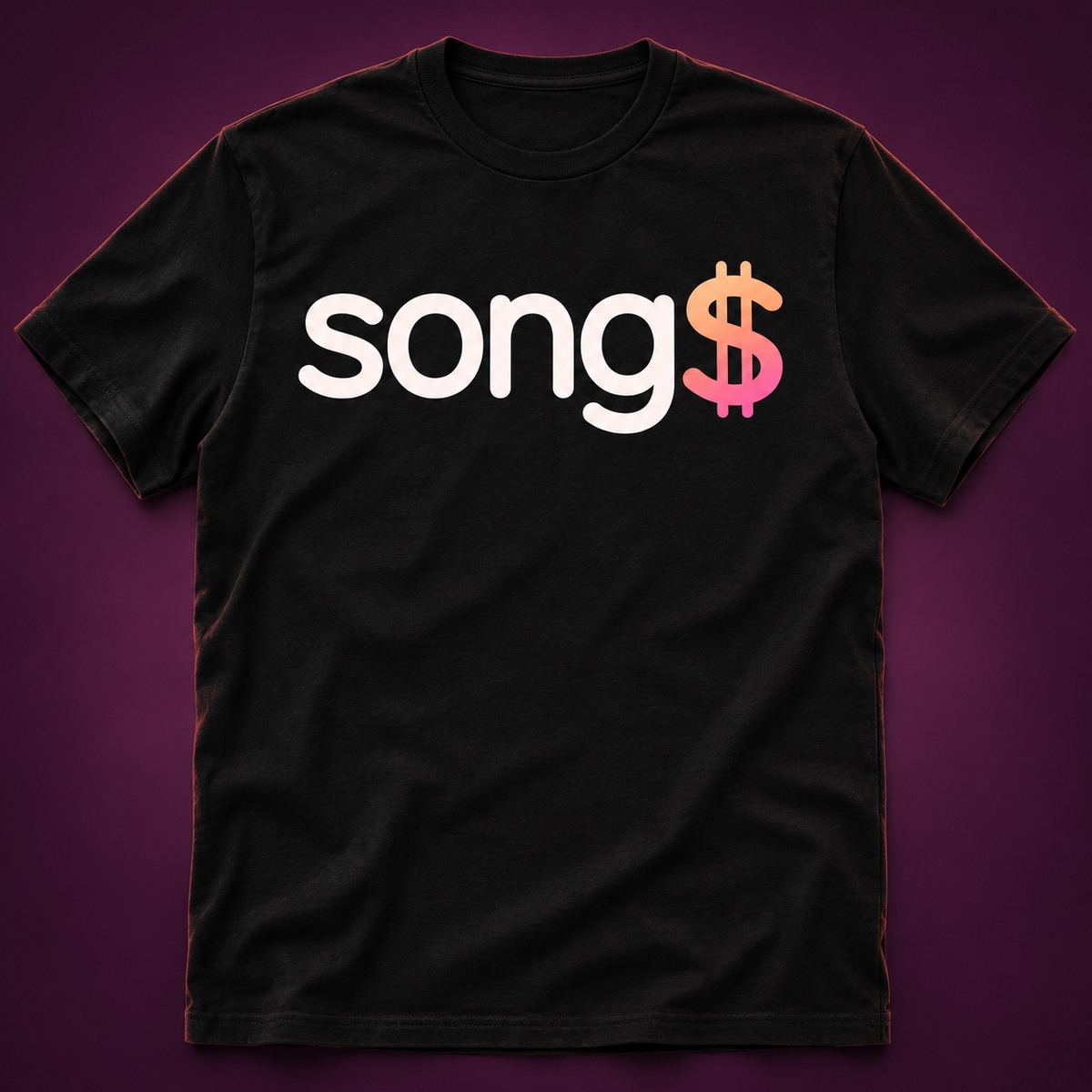
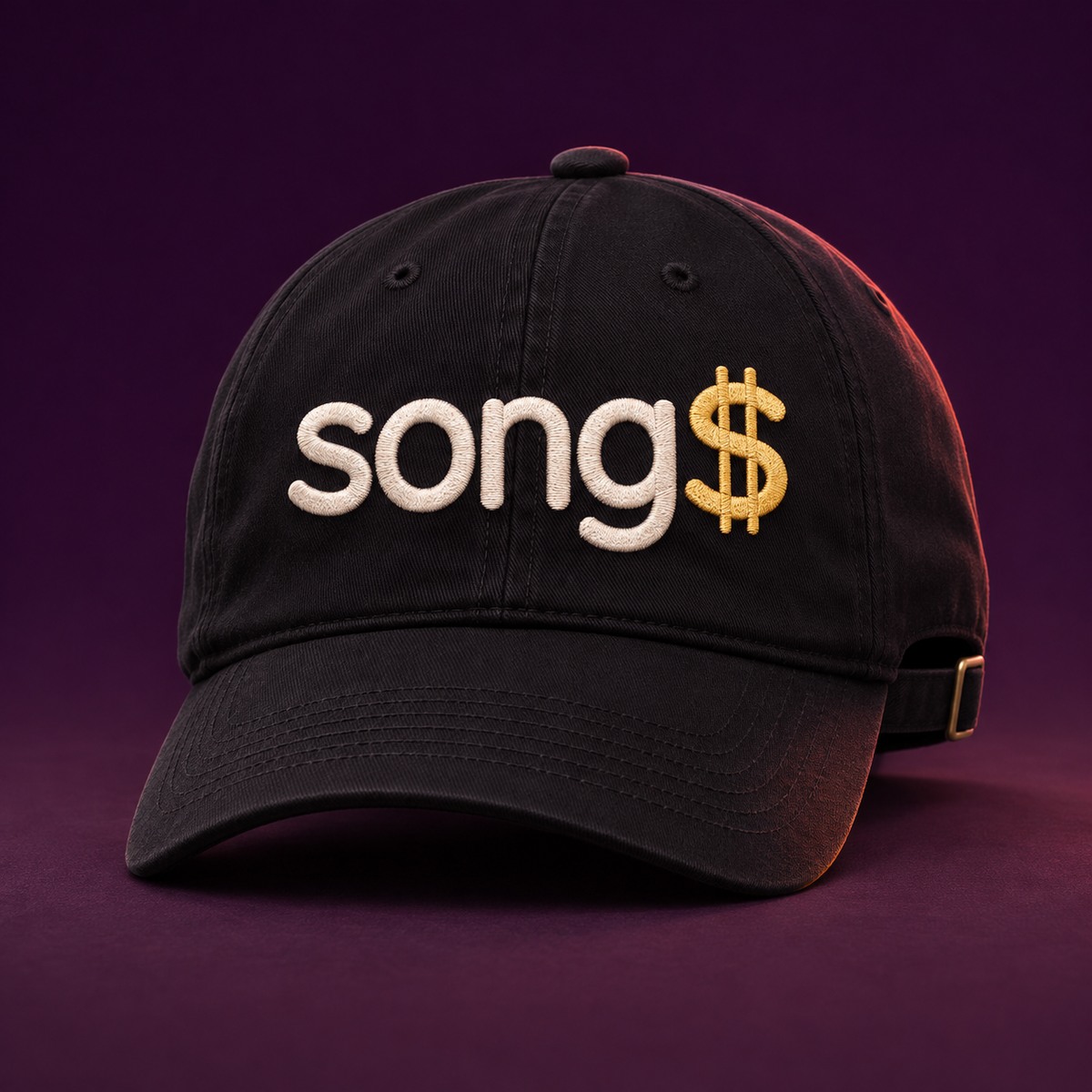
A first look at the FIRST PLAY tee and hat we’re planning to offer with SongCash.
04 / Sell with SongCash
Reach shoppers who already have SongCash to spend. List a secondhand item, a digital download, a service, or a voucher like the ones above.
Open Buy & Sell, tap Sell something, and set your price. When the sale is complete, you can use what you collect to shop or cash out the eligible part.
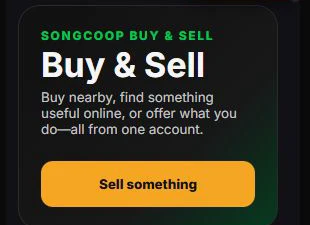
Save your payout destination in Wallet. When eligible, request a payout of your cashable balance.
SongCash Perks
Start with $5 at launch. Then collect bonuses for your first sale, bringing a friend in, and more.
You both collect after their first top-up.
Go for Gold. Keep at least $100 in your wallet through the qualifying period to unlock Gold and get an extra 5% in bonus SongCash on qualifying top-ups.
Perk bonuses are spend-only SongCash.
SongCash in everyday life
Here are ten ways to collect it and put it to work, starting with a song and a cup of coffee.

From your playlist to the coffee shop
You play songs in the app. This week, qualifying plays add SongCash to your wallet. You use some of it to claim a coffee voucher in the app, then show the voucher at a participating café.
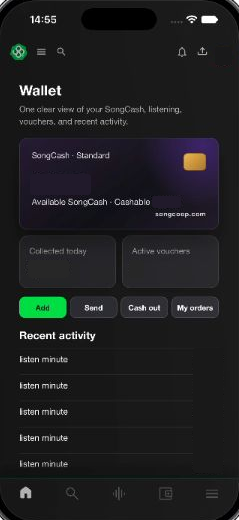 Collect in WalletReal app screen
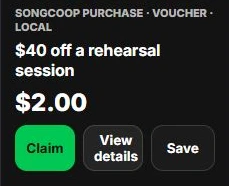 Claim a voucherReal app screen
01 / Collect

Find a new favorite on your commute. Eligible listening adds SongCash to your wallet.
In the app · Listen → Wallet

List a used guitar pedal. When the sale completes, collect SongCash.
In the app · Buy & Sell → My Sales

List it as a download. Your buyer gets the files and you collect when the order completes.
In the app · Sell something → Digital

When they join through your invite and make their first top-up, you both get $5 in spend-only SongCash.
In the app · Invite → Wallet

If you also make music, put an original in the app through OopBox. Qualifying plays credit the same wallet.
In the app · Upload → Wallet
02 / Put it to work

Claim a café voucher with SongCash. Show it at the counter when you pick up your coffee.
In the app · Buy & Sell → Claim voucher

Find a pizza offer in the app, claim it, and redeem it at the participating shop.
In the app · Buy & Sell → Claim voucher
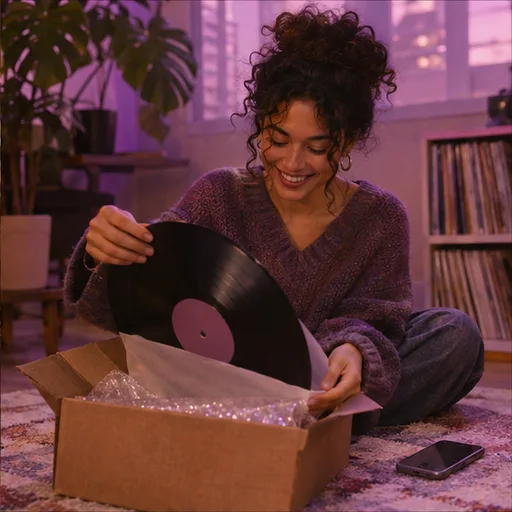
Spot an album you want in the marketplace. Put SongCash toward it when the listing accepts it.
In the app · Buy & Sell → My Orders

Send SongCash to another member. They can put it toward an offer of their own.
In the app · Wallet → Send

Request a payout of eligible SongCash to your saved bank account or Cash App.
In the app · Wallet → Cash out
Illustrative scenes. Offers, sellers, and availability vary.
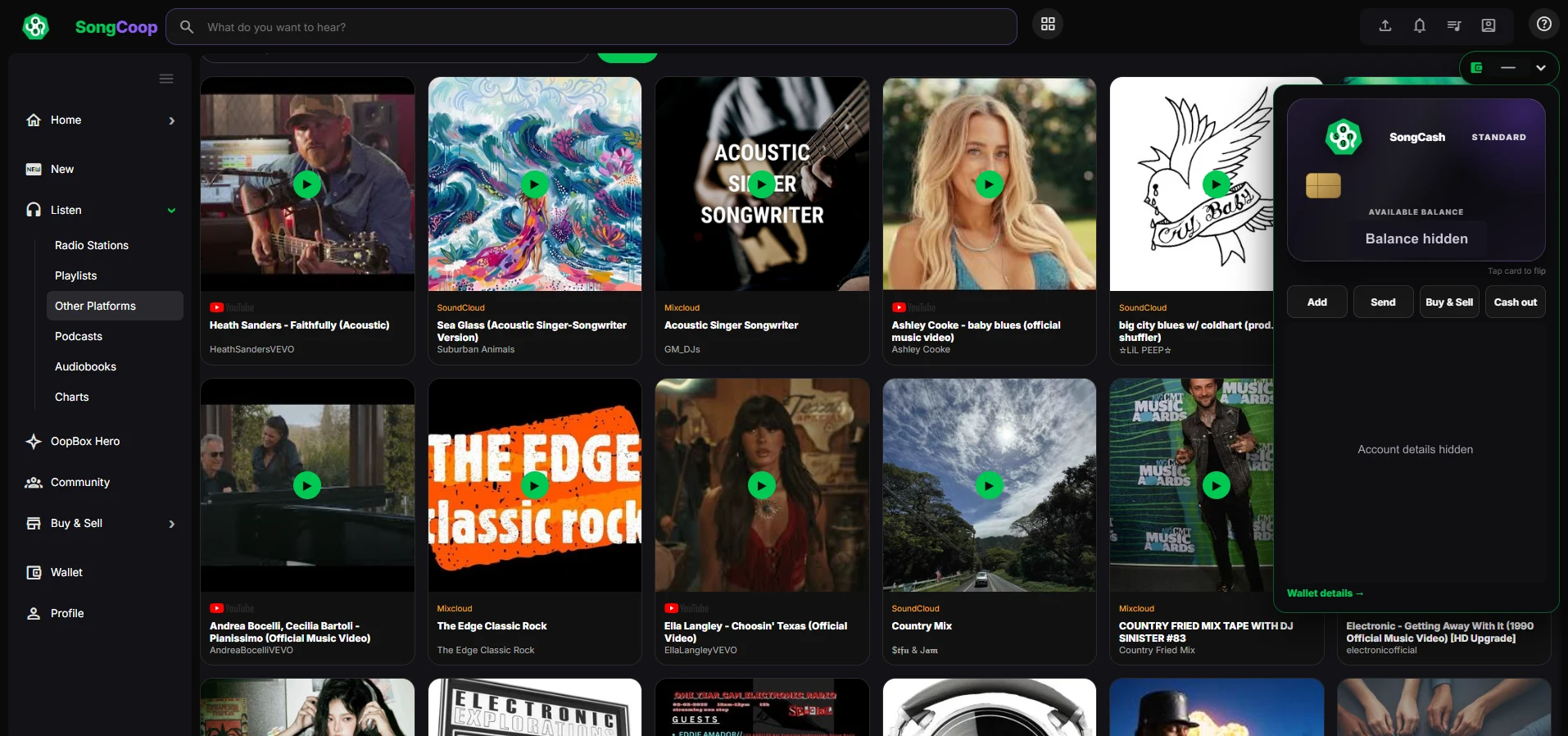
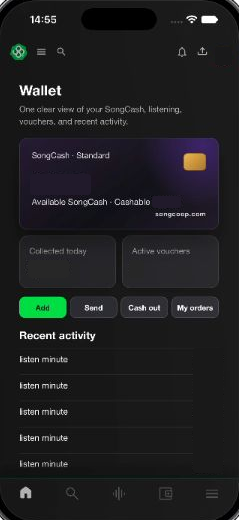
Join the first listenersThe app on computer and phone
Browse music on your computer or take it with you on your phone. Your SongCash wallet is there either way.
SongCash in action
Boathouse Music Studio listed a $40-off rehearsal voucher in the beta. Here’s how it could work with your join bonus.
Beta offer. Launch availability and redemption terms pending.
Prelaunch access
Get a heads-up when SongCash opens. Create your account at launch and start with $5 in spend-only SongCash.
Your name and email. That is all we ask today.